
Online Appointment Scheduling
Let students and parents book advising sessions, counseling visits, financial aid meetings, registrar appointments, and faculty office hours through a self-service calendar. Staff define availability windows, set appointment types with configurable durations, attach pre-booking intake questions, and receive automated reminders. No-show tracking, rescheduling controls, cancellation policies, walk-in queue management, and follow-up notes keep every interaction documented.
Online Appointments Benefits
Self-Service Booking That Eliminates Phone Tag and Email Chains
When 87 calls hit your counseling center front desk on Monday and 31 go to voicemail, students who need help are not getting it. Self-service booking shifts the scheduling burden from your staff to the system.
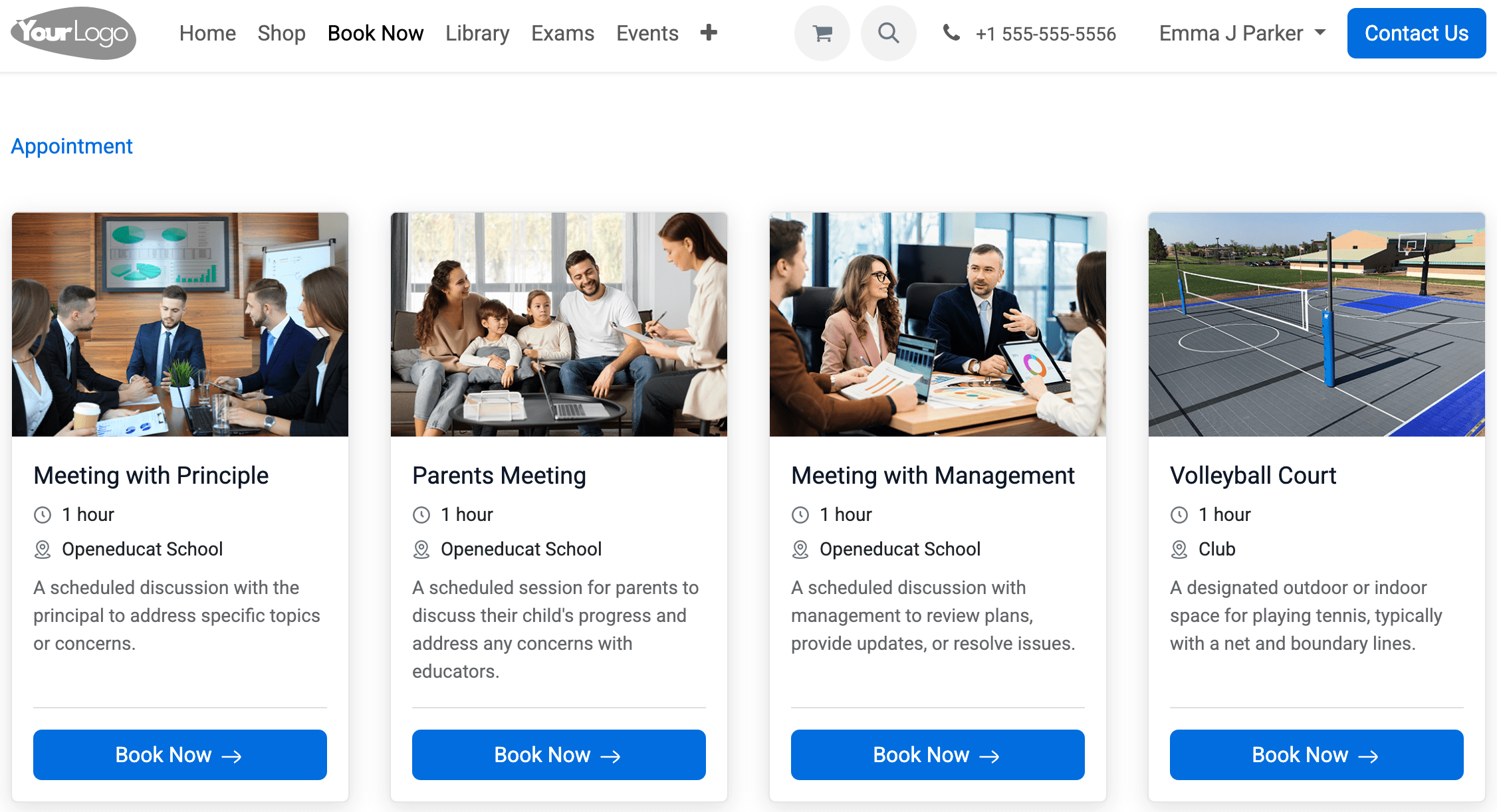
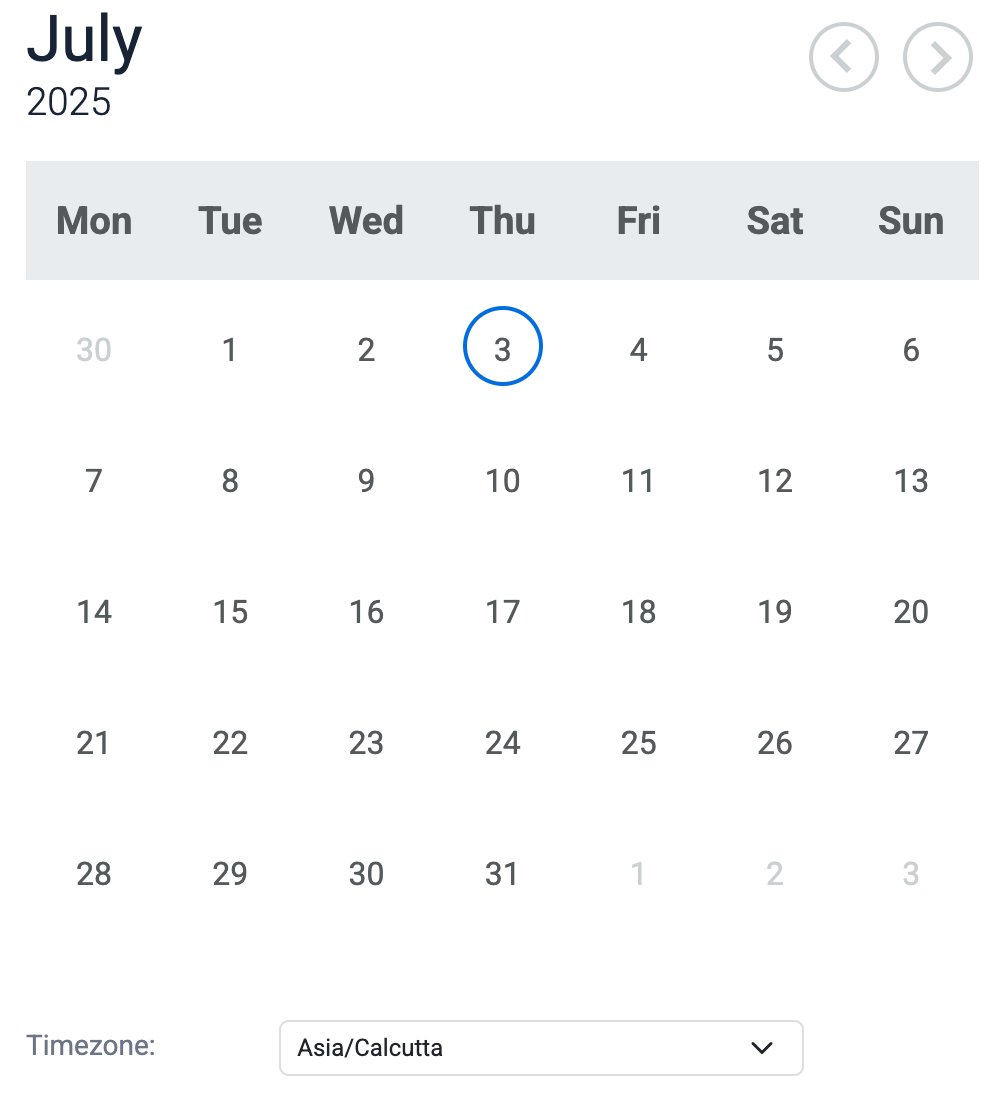
- Students browse available slots by service type, staff member, department, or location and book in under two minutes through the student portal or mobile app without calling anyone
- Pre-booking questions capture the reason for the visit, topics to discuss, any required documents, and relevant prior appointment history so staff can prepare before the student walks in
- Configurable appointment types let you set different durations for advising (30 min), counseling intake (60 min), quick signature appointments (15 min), and financial aid reviews (45 min) each with their own scheduling rules
Automated Reminders and No-Show Tracking That Protect Staff Time
A counselor who blocks 60 minutes for an intake session and the student does not show up has lost an hour that another student needed. Reminders reduce no-shows. Tracking identifies the pattern.
- Configurable reminders fire at intervals you choose (48 hours, 24 hours, 2 hours before the appointment) via email, SMS, push notification, or in-app alert with one-click confirm or cancel links
- No-show records attach to the student's appointment history so counseling directors can identify students who repeatedly miss meetings and trigger alternative outreach
- Daily appointment summaries land in each staff member's inbox each morning showing their full schedule, student names, visit reasons, and any pre-submitted intake information
Centralized Availability That Ends Double-Booking and Cross-Office Confusion
When the registrar directs students to call advising, and advising directs them back to the registrar, nobody is being served. A single scheduling system shows who is available across every office.
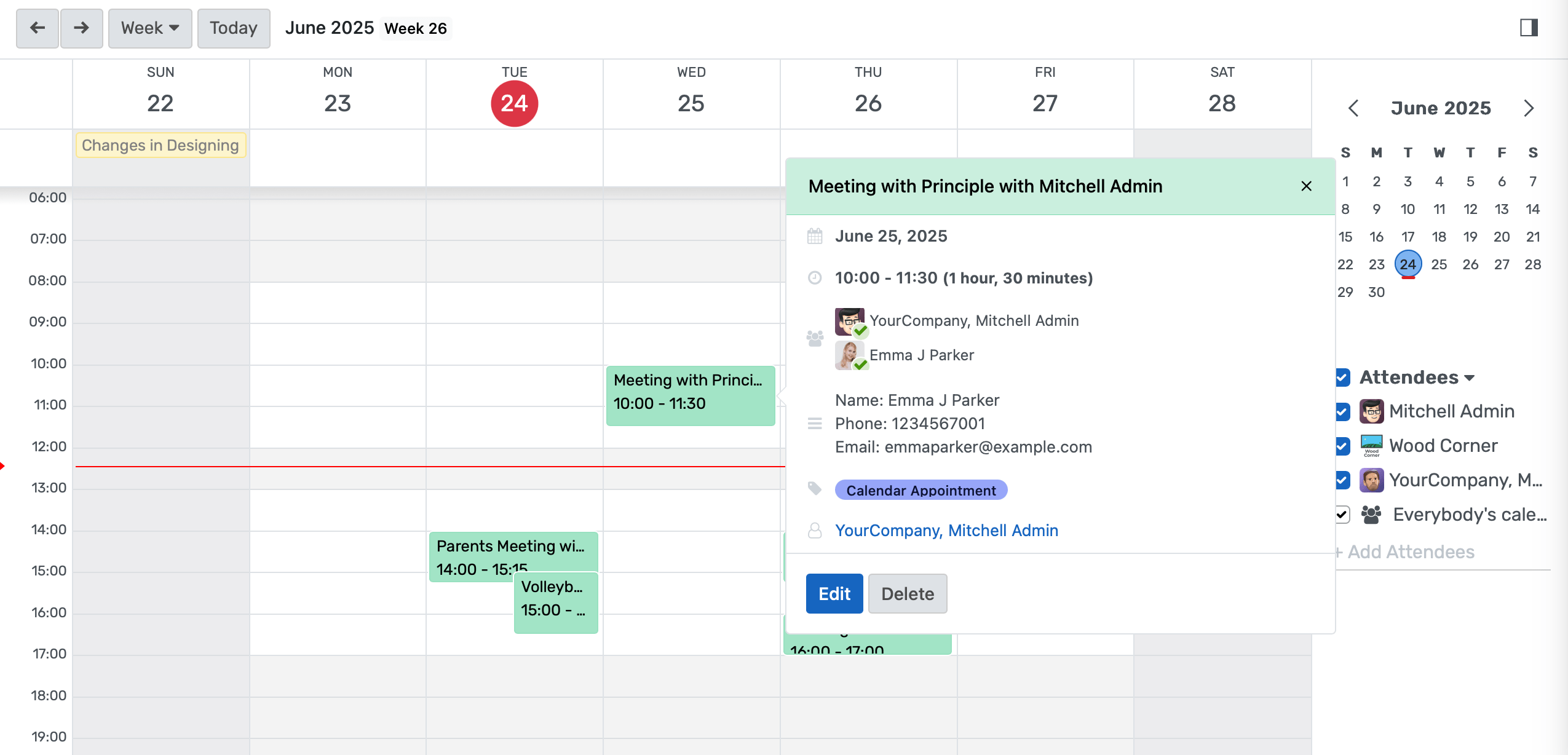
- Staff define recurring weekly availability, one-time open slots, blocked personal time, and buffer periods between appointments in one calendar interface that all booking channels reference
- Resource-based booking reserves meeting rooms, video conferencing equipment, testing stations, or lab spaces alongside the staff member's time so double-booking physical spaces becomes impossible
- Staff assignment methods include round-robin distribution across team members, student choice from available staff, priority-based queuing by caseload, or manual assignment by a team leader, configured per appointment type
Online Appointments Features
Everything you need to manage online appointments effectively
Core Management
Essential online appointments management capabilities
Student Portal
Self-service portal for students to access information
Basic Reporting
Standard reports and data export functionality
Role-Based Access
Configure user permissions and access levels
Advanced Analytics
Detailed online appointments analytics with custom report builder and data visualization
Workflow Automation
Configure automated rules for approvals, notifications, and status transitions
Audit Trail
Complete audit logging of all online appointments activities for compliance and accountability
Priority Support
Dedicated support team with SLA-backed response times
Frequently Asked Questions
Get answers to common questions about Online Appointments
Yes. Each appointment type is configured independently with its own duration, buffer time between meetings, minimum advance booking window, maximum future scheduling horizon, cancellation policy, pre-booking questions, and staff assignment method. The counseling center can require 60-minute intake sessions with 24-hour advance booking and manual confirmation by a counselor. The registrar can offer 15-minute signature appointments bookable same-day with automatic confirmation. Financial aid can set 45-minute sessions with a 48-hour minimum and custom intake questions about which documents to bring. Academic advising can offer 30-minute slots with 10-minute buffers. Each department controls its own rules without affecting any other department's configuration.
Built for Your Institution Type
See how this feature works for your specific institution
Integrations, Comparisons & Tools
Extend Online Appointments with integrations, see how we compare, and calculate your ROI
Related Features

Polls & Quick Surveys
Get constituent feedback in hours, not weeks. Publish targeted polls to students, faculty, or staff directly through the portal and mobile app, watch responses accumulate in real time, and bring quantified majority sentiment into committee meetings before decisions are finalized — not three weeks after the damage is done.

Helpdesk & Support Tickets
Manage IT requests, student affairs inquiries, and facilities tickets from a single system with automated routing, SLA timers, and real-time queue visibility. Support staff and administrators can monitor response times and workload across all departments without toggling between separate tools.

Community Forums
A persistent, searchable forum platform where faculty answer course questions once and all students benefit, peer study networks form across sections and cohorts, and alumni retain forum access after graduation to mentor current students. Campus community engagement moves from individual email threads to a shared institutional knowledge base that grows with each cohort.

Secure Transcript
Generate tamper-proof academic transcripts with digital signatures, QR code verification, institutional watermarks, and batch processing for graduation cycles. Students order transcripts through a self-service portal, pay online, and track delivery status. Hold enforcement blocks release when financial obligations are unresolved. FERPA-compliant access controls govern every step from request to recipient.

Grievance Management System
A centralized complaint intake, routing, and resolution system that keeps every grievance on the record from first submission through final disposition. Institutions use it to meet Title IX documentation requirements, pass HLC and regional accreditor reviews, and identify systemic issues before they become formal complaints or legal exposure.

Learning Management System
Cloud-based learning management system for schools and universities. Build courses with video, quizzes, and forums. Track student progress in real time. Issue certificates. One LMS platform connected to your student records, gradebook, and enrollment. No syncing or duplicate entry.
More Engagement & Outreach Features
Explore other features in this category
Ready to Transform Your Online Appointments?
See how OpenEduCat frees up time so every student gets the attention they deserve.
Try it free for 15 days. No credit card required.